Developer: Snow technology
Category: Communication
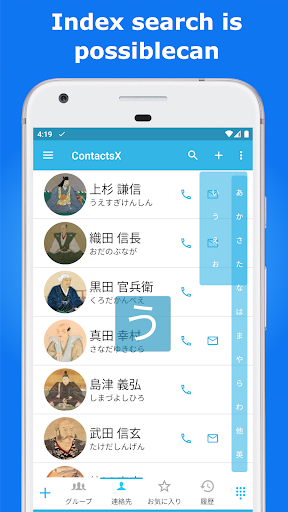
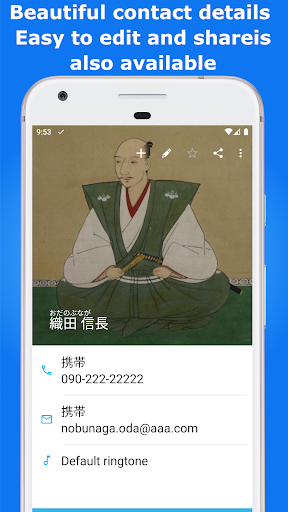
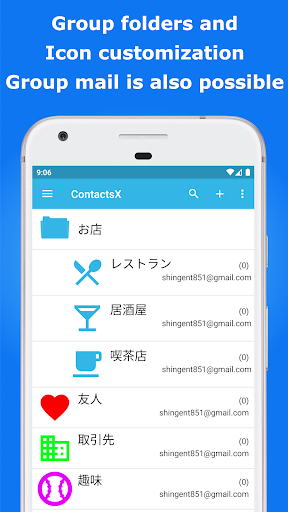
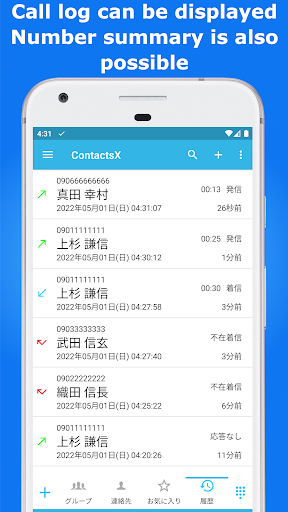
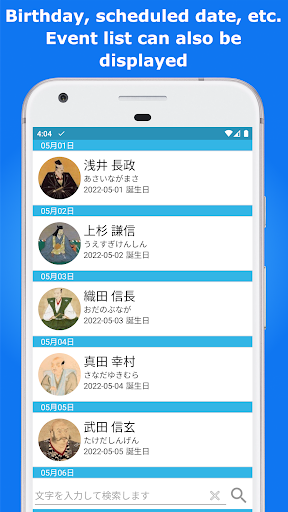
● You can call, email or SMS with one click from the list screen. (You can select multiple phone numbers and multiple email addresses) ● There is a default phone handler feature. ● There is a dialer function. ● Call history can be viewed (filter function available). ● There is an incoming call rejection function. ● You can easily send group emails and group SMSs. ● Group folder function allows you to combine multiple groups. (E-mail and SMS can be sent to all members in the group folder) ● You can search contacts in Japanese (T9 search) from the dial pad (Dialer). (English dial pad can also be displayed) ● You can select the theme color. ● You can display the company list (dial pad activation button long press (modifiable)). ● You can display the event list Dial pad activation button Long press (modifiable). ● You can now specify options for pressing and holding the GROUP tab, SEARCH tab, STAR tab, and HISTORY tab. ● You can freely change the color of the group icon (choose from 100 types). ● You can create a QR code to share contacts. ● You can register contacts by reading a QR code. ● There is an option to enable T9 search during normal search (including when searching for contacts from other applications such as mushrooms). ● There is an option to automatically assign a prefix. ● There is a function to display the profile. ● You can select the initial display items of the list screen (SEARCH tab, STAR tab). . ● You can specify an icon to be displayed on the list screen. (Phone icon, Mail icon, SMS icon) ● Several icons have been added to the selectable phone icons. ● When sending group mail, you can select the destination, or select TO, CC, or BCC. ● There is a mushroom linkage function. ● You can change the tab name or change the text size. ● You can select the tab to display. ● There is an option to display another group move tab on the group member list screen. ● The second character index can be displayed. ● You can rearrange group folders. ● You can change the system group name. ● There is an international number setting in the prefix. Enabling this setting will automatically remove the first 0 of the target phone number when prefixing numbers.